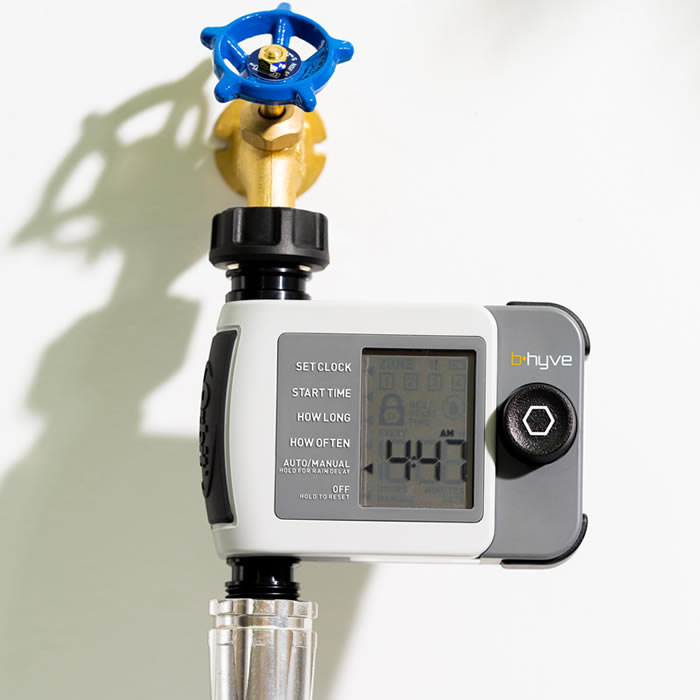
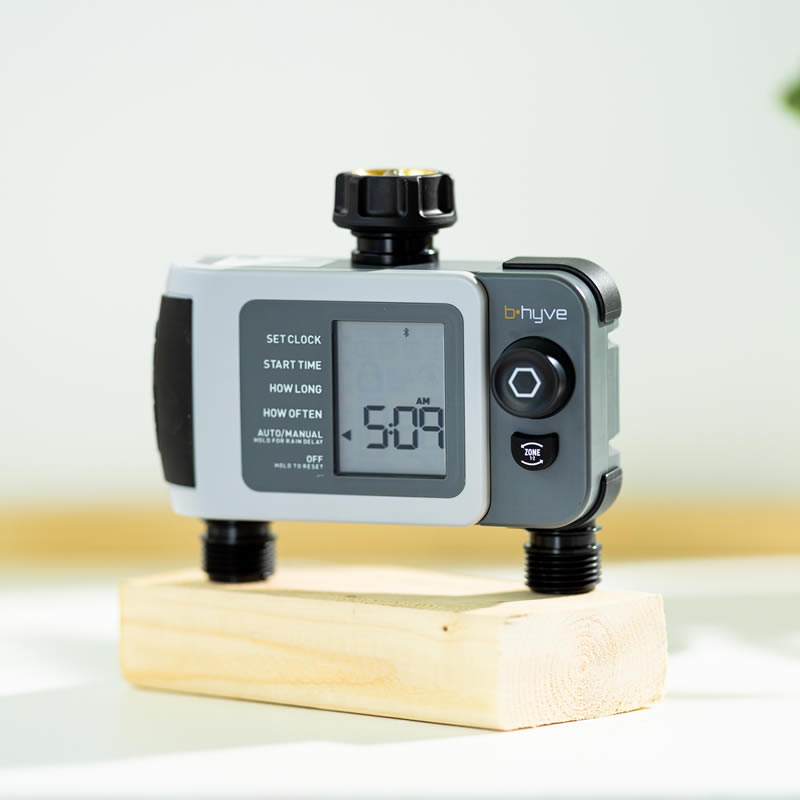
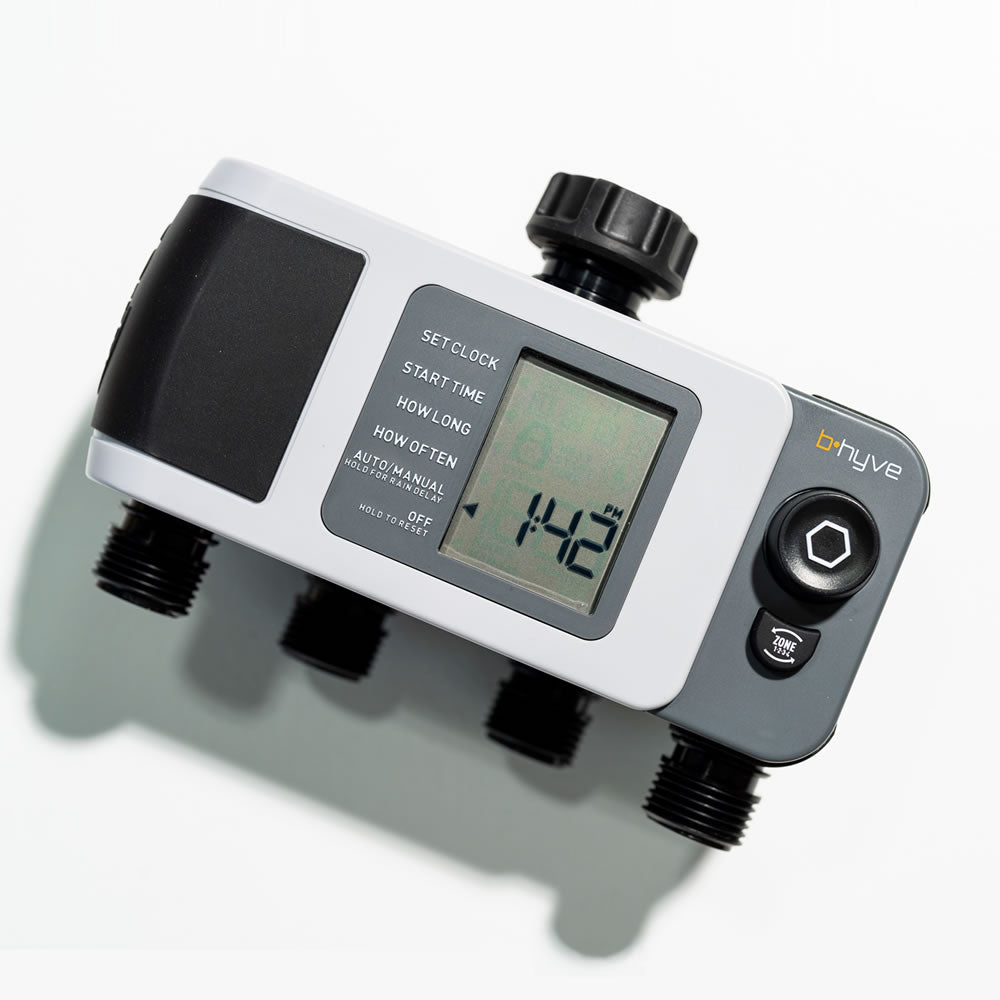
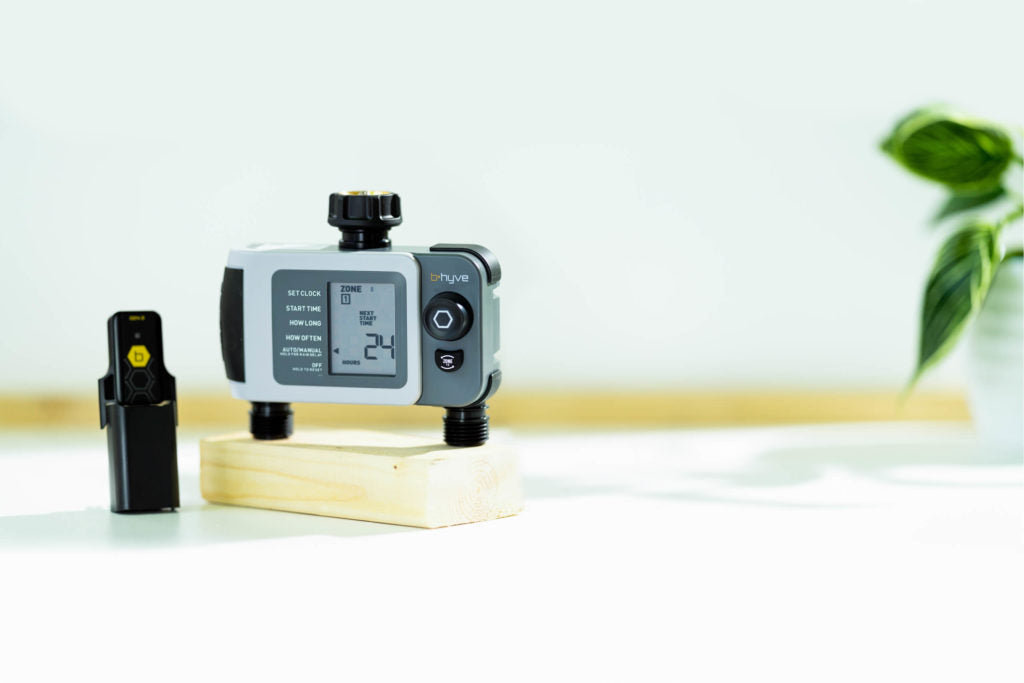
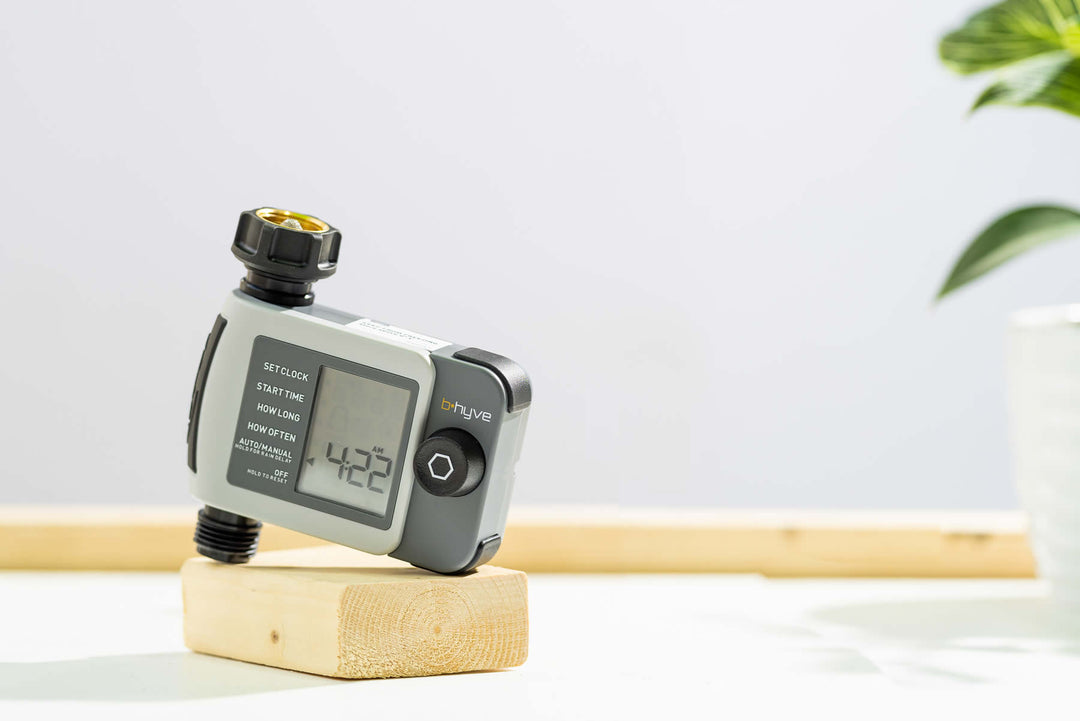
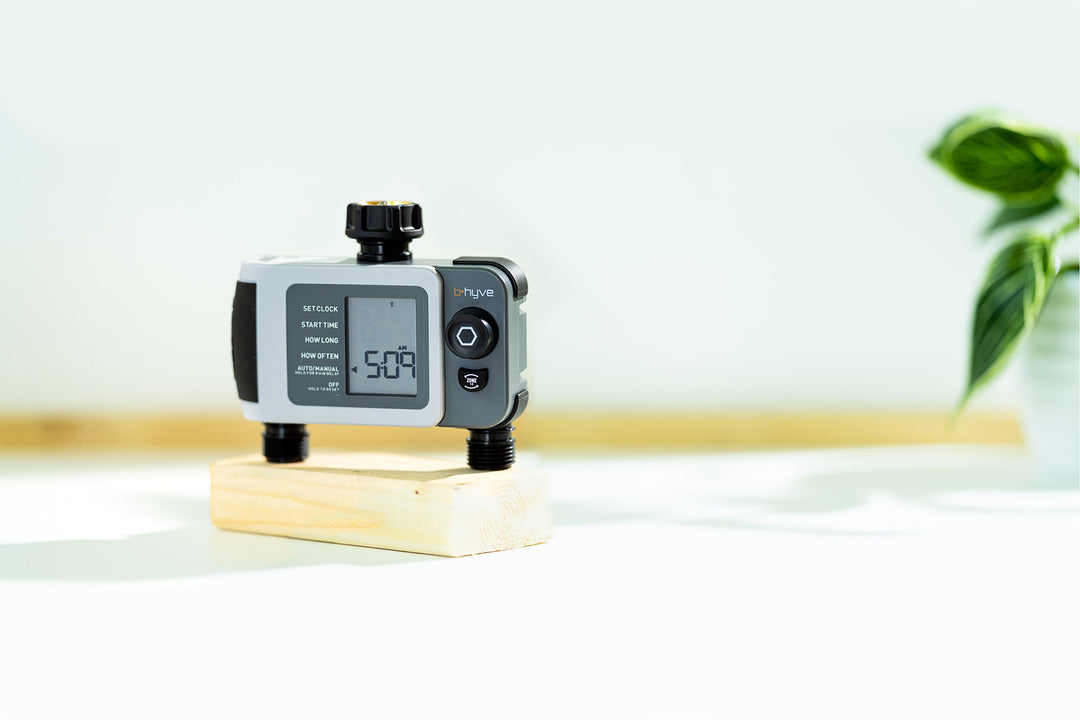
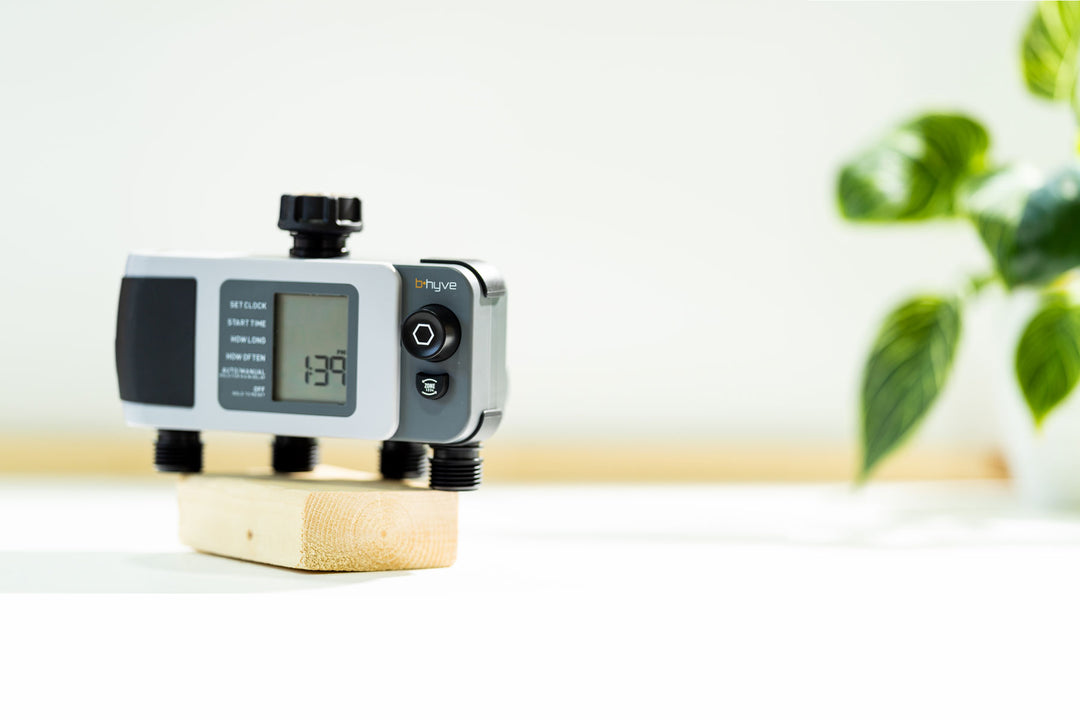
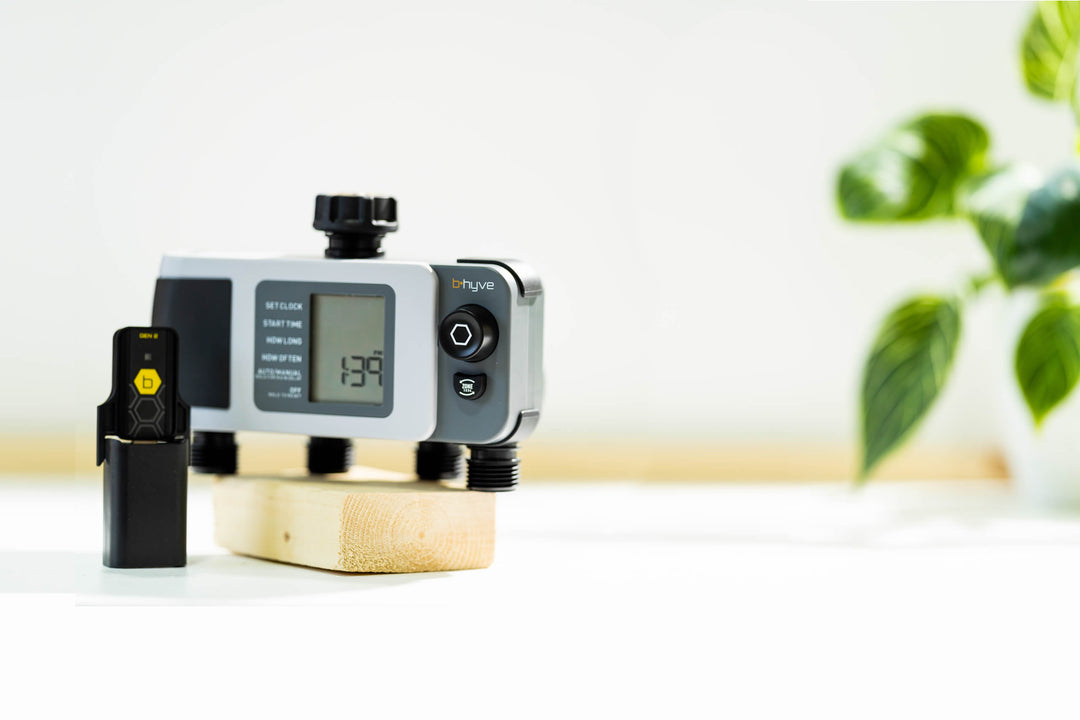
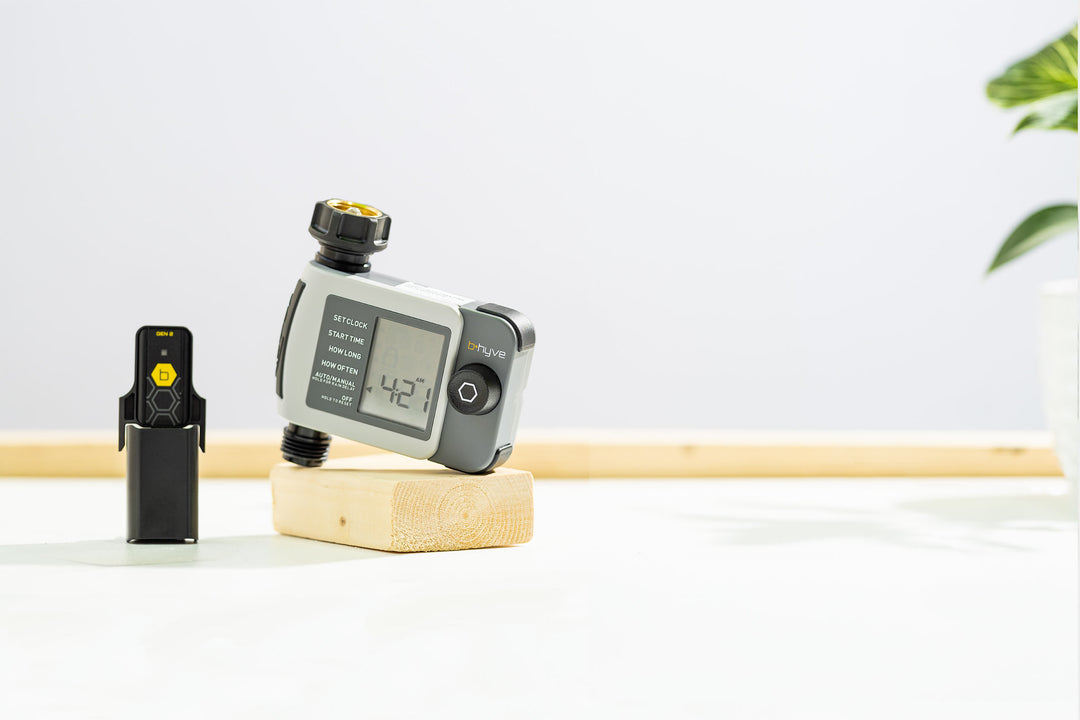
Thanks for sharing your review about not being able to connect your Gen 2 Hub and XD Smart Hose Timer. Please make sure that the hub is plugged into a working outlet and the hose timer has a fresh pair of alkaline batteries installed. Place the hub into pairing mode by pressing the 'b' on it 5 times rapidly, and the hose timer by turning the dial to 'Off' then pressing it in for 5-10 seconds. In the Bhyve app, go to My Bhyve>Devices>tap onto the plus sign to add a device. Select the correct hose timer being added, then select that you are adding both a timer and hub when asked, and continue to follow the connection prompts. Our Customer Care team is happy to further help with the connectivity of our devices, and we can be reached at (800)488-6156 or online at support.orbitonline.com. Have a great rest of your day.
 Skip to content