
Temporizadores de Manguera | Concentradores Wi-Fi | Concentrador Wi-Fi B-hyve Gen 2 | Concentrador Wi-Fi B-hyve Gen 2

Concentrador B-hyve Gen 2 Wi-Fi | 21027
$46.49
Ir directamente a la información del producto

En existencias


Concentrador B-hyve Gen 2 Wi-Fi | 21027
ID del artículo: 21027
- MEJORA LOS DISPOSITIVOS B-HYVE: El concentrador Wi-Fi Gen 2 está diseñado específicamente para mejorar el rendimiento de nuestros dispositivos de gestión de agua más recientes, incluidos los temporizadores de riego de manguera B-hyve y el sistema de detección de fugas del sensor inteligente de inundación B-hyve; lo que permite notificaciones instantáneas y control remoto desde cualquier lugar utilizando su dispositivo inteligente.
- HABILITE EL RIEGO INTELIGENTE: La tecnología WeatherSense necesita una conexión Wi-Fi para proporcionar programas de riego basados en datos meteorológicos en vivo y datos históricos.
- CONTROLE SUS DISPOSITIVOS DESDE CUALQUIER LUGAR: Gracias al concentrador Wi-Fi B-hyve Gen 2, ahora puede tomar el control de sus dispositivos de gestión de agua desde cualquier parte del mundo, y con una simple conexión Wi-Fi, puede acceder y administrar de forma remota sus dispositivos B-hyve utilizando su dispositivo inteligente, brindando mayor comodidad y tranquilidad.
- CONTROL DE MÚLTIPLES DISPOSITIVOS: Solo se necesita un concentrador para controlar múltiples dispositivos B-hyve en un radio de 45 metros. Controlar múltiples dispositivos B-hyve nunca ha sido tan fácil; además, solo necesita un concentrador para controlarlos todos, lo que le ahorra dinero y simplifica su configuración.
- INCLUYE ADAPTADOR DE PARED: Este concentrador Wi-Fi viene con un adaptador de pared para una fácil instalación, entrada de 100-240V ~ 50/60Hz 0.2A Salida de 5V-1.0A.
- COMPATIBILIDAD: Funciona con estos dispositivos B-hyve; Números de modelo 24511, 24516, 24632, 24537, 24634, 24539, 71000, 71003, 71005, 90205, 90204, 90205Z, 90204Z, 21205 y 21204. Igual que el 21008
- REQUISITOS: Conexión Wi-Fi. Solo para uso en interiores.
$46.49
Free standard shipping on orders over $50.
Most orders ship within 3–5 business days (placed before 12 PM MT, Mon–Fri). A tracking number will be emailed once your order ships, and you can also check order status in your account. Note that some oversized or heavy items (large pipe lengths, valve boxes, pumps) may not qualify for free shipping. [View full shipping details →]
Devoluciones gratuitas en todos los pedidos elegibles.
Tiene 30 días para solicitar una devolución. Todos los artículos descontinuados están exentos.
Product Description:
Specifications:
Item ID: 21027
Each Dimensions: 2.25 x 3.5 x 7.5 inches 0.2 pounds
UPC barcode: 046878210271
M
Great system but its use depends on having Bluetooth reaching each unit. Complex system that needs better explanations.
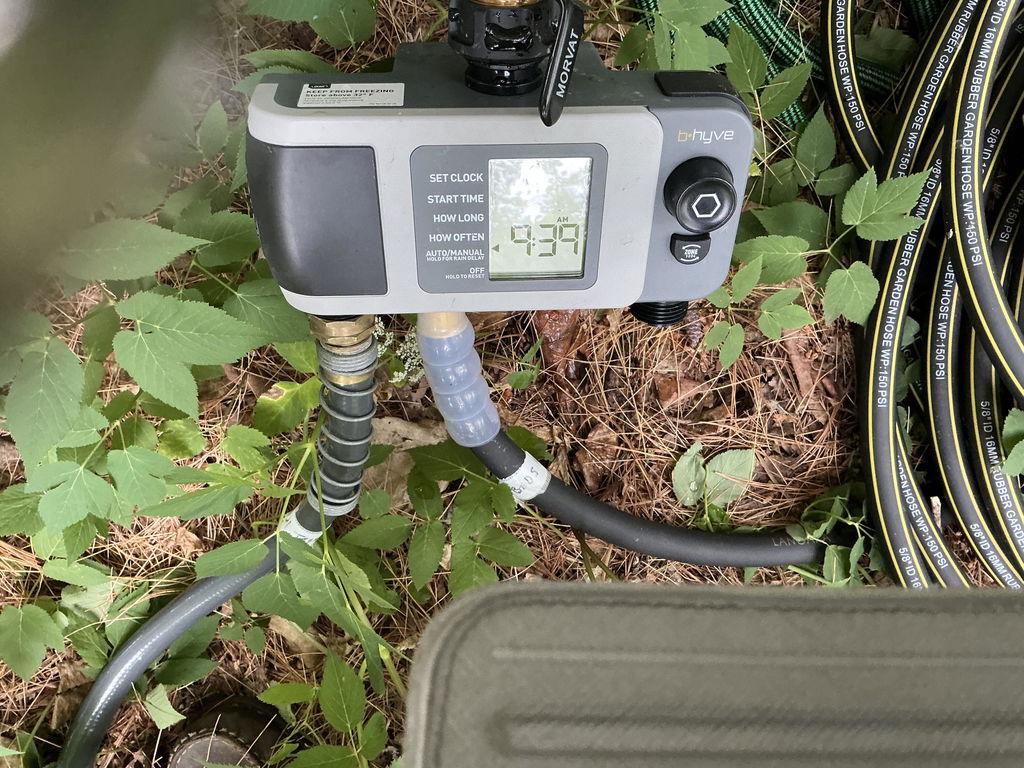
We appreciate you taking the time to leave your review and feedback on using bluetooth with our Smart XD Hose Timer. This timer can be programmed and used manually from the device itself, or through our B-hyve app using either bluetooth or wifi with our Gen 2 Hub. Our Customer Care team is happy to further discuss your product concerns and to help with any issues that may be encountered. We can be reached by phone at (800)488-6156 or online at support.orbitonline.com. Have a great rest of your day.
J
The hub is approximately 10 ft from the water timer and it still does work remotely so it’s safe to say it is pointless to have. Uninstalled and reinstalled, checked the wifi, new batteries and it will not work remotely. The Blue Tooth will work when standing 5 feet from the device but whats the point of that when you can just use the timer itself. Will be returning both.
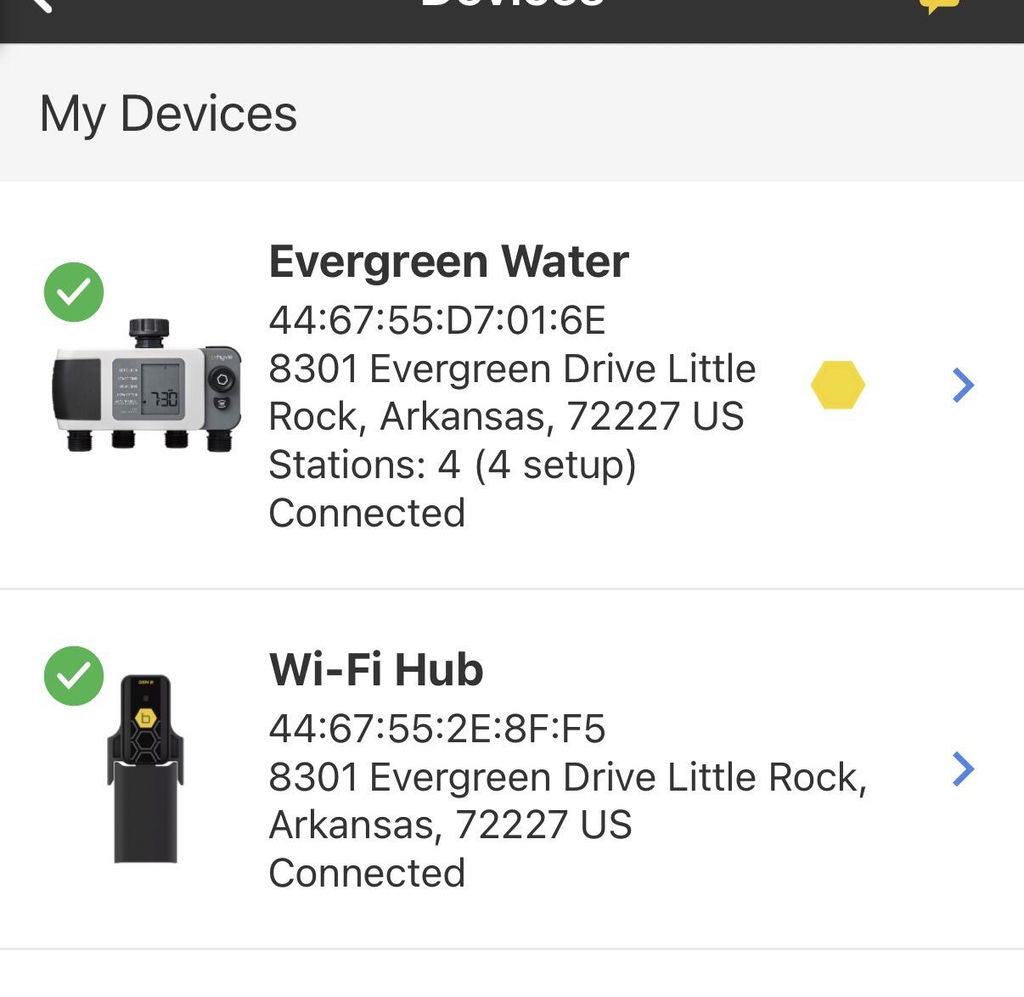
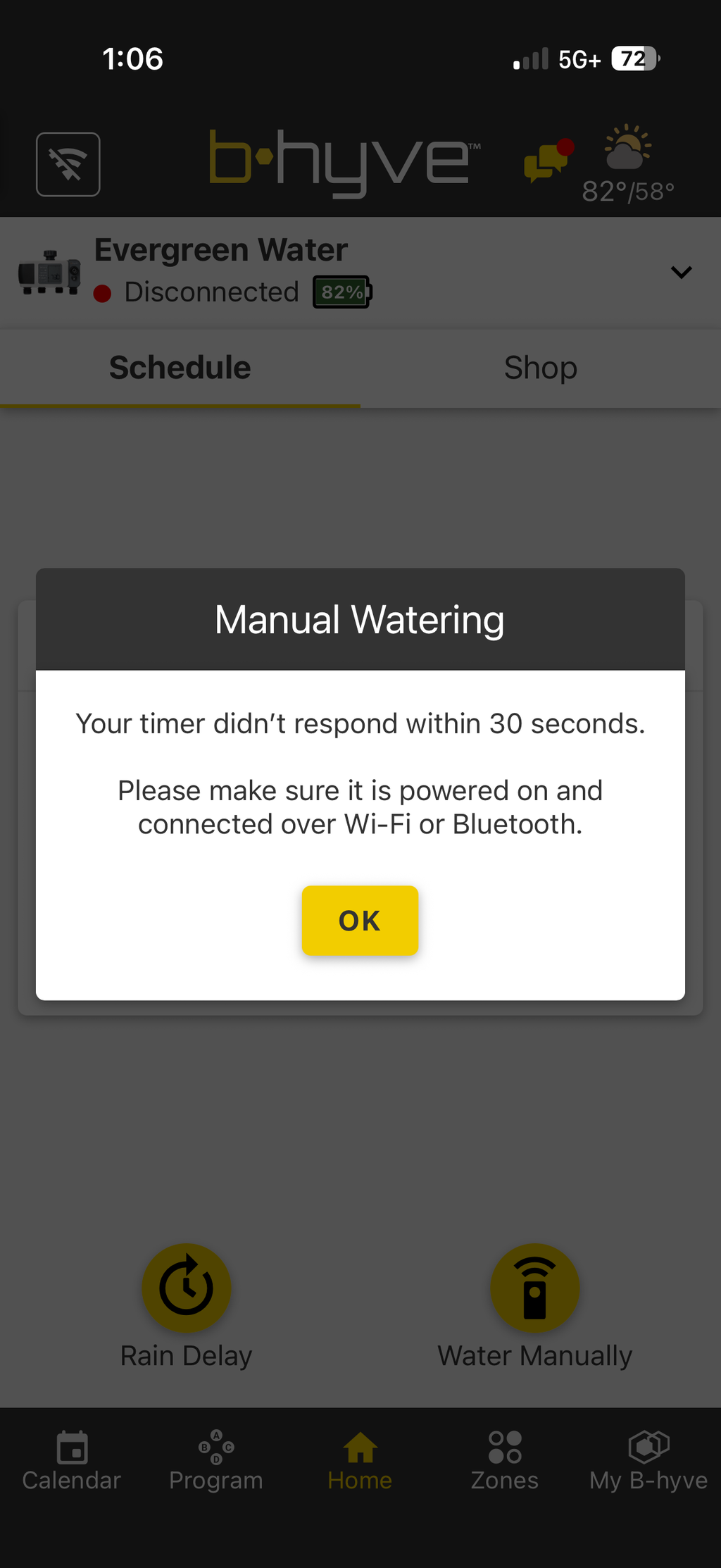
Thank you for leaving your review about our Gen 2 Hub not working with our XD Smart Timer. With the timer alone, bluetooth capability works within 50ft but the timer can be controlled from anywhere using the hub. Please do try updating the wifi settings for the hub by going within the app to My B-hyve>Devices>Hub>Update Wifi Settings. Our Customer Care team is happy to further assist with troubleshooting or with other help that may be needed, and we can be reached by phone at (800)488-6156 or online at support.orbitonline.com. Have a great rest of your day.
L
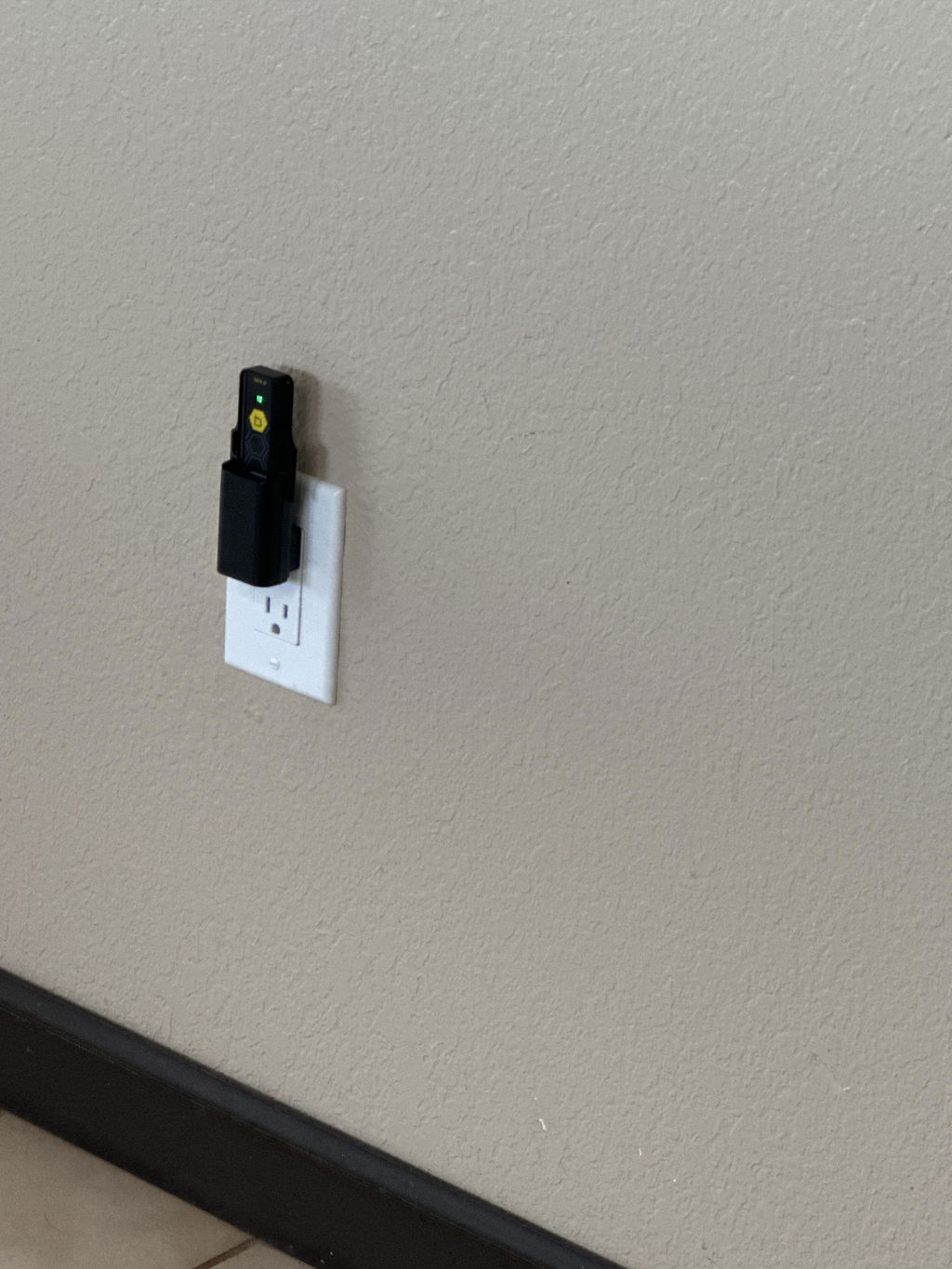
I now can adjust my water system while I’m on vacation or away from the house. This is so awesome and very reasonable
D
I have two wireless hubs, and I still have trouble connecting to the timers with my phone. It rarely ever connects and ends up trying to search for Bluetooth. I have to try to connect a dozen times before it actually connects.
Thank you for taking the time to share your review and experience with your timers having trouble connecting with both of your Wifi Hubs. Our Customer Care team is happy to further discuss your connectivity concerns and to troubleshoot any product issues that are still being encountered. We can be reached by phone at (800)488-6156 or online at support.orbitonline.com for help. Have a great rest of your day.
K
It’s all working out great!!
W
Very handy with wifi hub. can control all 4 zones in response to local weather when away from home.
S
So great to get a replacement Hub2. It worked flawlessly and installed without issue.
S
The packaging was terrible! Sloppy and unprofessional. Orbit you should be ashamed of yourselves!
J
Low range in a normal home environment. Seems very weak. Not sure why, in a proprietary system, you didn't use a LoRa signal. In its current form, it underperforms and is overpriced.
Thank you for taking the time to share your feedback on the range and price for our Gen 2 Hub. The wifi range is within 150 feet, but this distance can be shortened by walls or other signals interfering. Our Customer Care team is happy to further discuss your concerns and to help troubleshoot any issues that may experienced with our smart devices. We can be reached by phone at (800)488-6156 or online at support.orbitonline.com for assistance. Have a great rest of your day.
A
Worked just as it is supposed to. Good wi-fi range.
L
The orbit system works better than any of the others. This is my first time using these devices. The smart technology is so simple to used. The four devices made my day.👍🏼
A
After several weeks of troubleshooting my system. The 2nd generation Hub is what my system needed to get back up and running satisfactorily.
A
Excellent service
A
Great addition - works perfectly!
R
I have both the Orbit B-Hyve Gen 2 WiFi Hub and the Rain Bird LNK2 WiFi module. The Orbit hub is the one I trust.
The Orbit hub connects every time. I can open the app from anywhere and control the system without wondering if it will load. That is what I bought WiFi control for.
The Rain Bird LNK2 is hit or miss. Sometimes it connects. Other times the app will not talk to the controller no matter what I try. Same house, same network, same problem over and over.
The Gen 2 hub is a great addition to my sprinkler setup because it stays connected. If you want remote control you can count on, get the Orbit. It actually works when you need it.
J
I have a large vegetable garden and orbit lets me modify the watering schedule remotely - I love it.
J
Solved my connection problems with the timer valve
G
Works well.
S
Works perfectly
T
I like it alot it's easy to use and hookup. The rain delay feature is super cool. My plants and lawn look even better now that I have this installed.
J
Will not connect to any Wi-Fi 2.4 gig Hertz or 5 gigahertz. I've bought two of these things and neither of them have worked
Thanks for sharing your review on your Gen 2 Hubs not connecting to wifi. Please do plug the devices into a working outlet and place them into pairing mode by pressing the 'b' on them 5 times rapidly. Starting with one at a time, add the device in the B-hyve app by going to My B-hyve>Devices>tap onto the '+' sign and follow the connection prompts. Our Customer Care team is happy to further help with the connection of our smart devices and can be reached by phone at (800)488-6156 or online at support.orbitonline.com. Have a great rest of your day.
B
Works as expected. Can now control sprinklers remotely. Cool.
A
Works Great!
A
Not compatible with 1st generation devices. For me useless.
Thanks for leaving your review on our Gen 2 Hub not being compatible with Gen 1 devices. Our Gen 2 Hub is compatible with Gen 2 devices, while our Gen 1 Hub is compatible with Gen 1 devices. Our Customer Care team is happy to discuss any product questions or concerns that you may have and to assist with further help that may be needed. We can be reached by phone at (800)488-6156 or online at support.orbitonline.com. Have a great rest of your day.
D
Great device to allow for control of b-hyve devices and water settings
F
The Gen 2 would not work with Gen 1 hose timers. I didn’t see any warning about this but it may not have been prominent or I may have missed it, but looks like I wasted my money
Thank you for letting us know how the incorrect product was ordered. Our Customer Care team is happy to further discuss your concerns and to help with finding the best solution that works for you. We can be reached by phone at (800)488-6156 or online at support.orbitonline.com for assistance. Have a great rest of your day.
J
It took a while to find the right spot for the hub since the signal from the timers are going through various obstructions including a cement block foundation. The first couple of spots it worked for a little while then lost the signal to the timers. It was getting frustrating and I was thinking there was something wrong with one or the other component until I came up with the solution. If you find the signal dropping off move the hub closer or elevate it to go through less obstructions if you can, I wound up doing the latter.
J
how do I switch a hose faucet from a Gen 1 Hub to a Gen 2 hub
Our Gen 1 Hose Timers are only compatible with our Gen 1 Wi-Fi hubs and can not be connected to our Gen 2 Wi-Fi hubs.